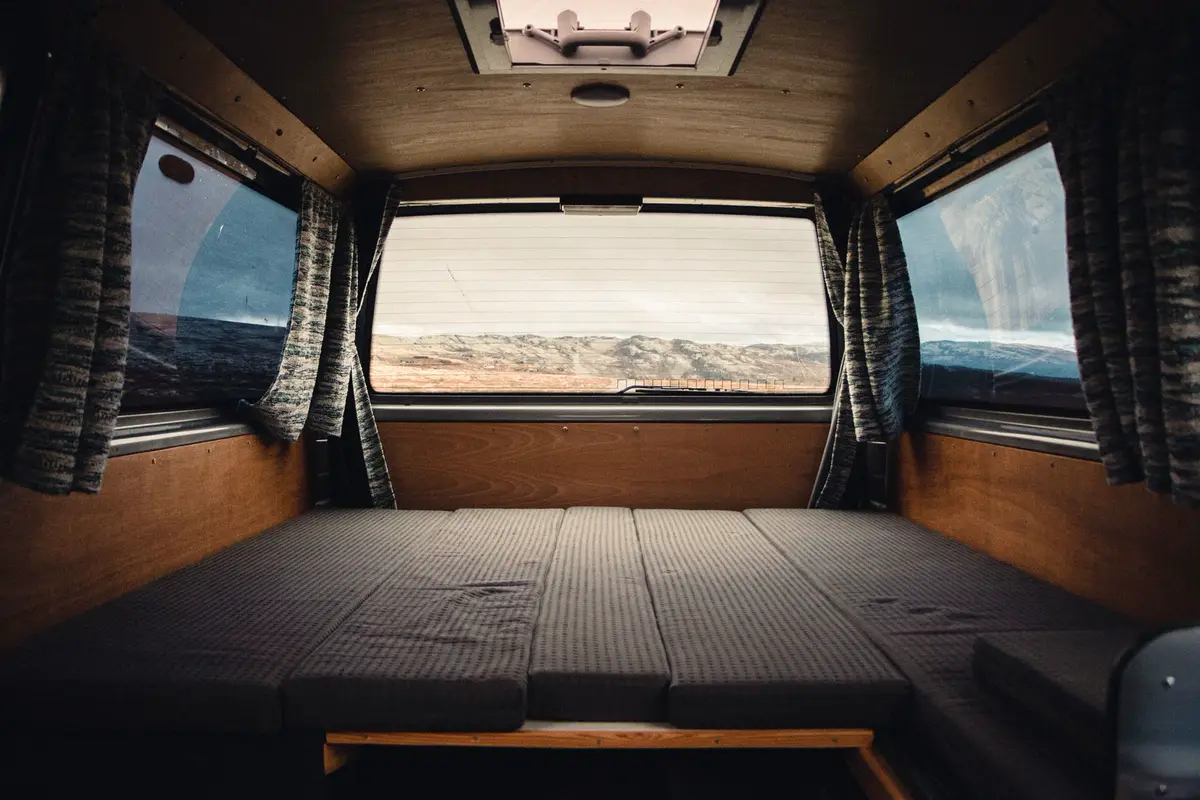
Printing on the road
Printer size, watt-hours, fumes, and how to bolt a machine down so it survives a travel day.
Photo: Erik Schereder / Pexels
Some shop links in this guide are affiliate links. If you buy through them, we may earn a commission. You do not pay more. Affiliate disclosure.
Size the printer to the rig
The machine has to live somewhere when you are not printing, and it has to stay put when you are. A 256 mm enclosed CoreXY is the useful middle for clips, vents, and small brackets. Bigger than that only helps if you actually print panels or long ducts.
- Camper van: floor space is the constraint. A Prusa CORE One+ is about 415 × 444 × 555 mm and 22.5 kg. That fits a cabinet. An open bed-slinger needs more depth once the bed travels.
- Travel trailer: the dinette is a bad home for a hot printer. A closet, a wardrobe, or a slide-out tray in a storage bay is better.
- Fifth wheel: the basement bays are the usual spot. They are low, so measure the door before you fall in love with a tall machine.
- Toy hauler garage: this is the one rig with room to spare. You can run an enclosed printer on a tray that slides outside while it prints, which also solves a lot of the fume problem.
Power: watts, watt-hours, inverter, battery
Two numbers matter, and they are not the same. Peak watts are what the bed pulls while it heats. Watt-hours are peak times hours, which is what the battery actually gives up. Manufacturers publish both a supply rating and, sometimes, a steady print figure. Use the steady figure for energy and the peak for the inverter.
Prusa lists the CORE One+ at 90 W while printing PLA and 110 W while printing ABS, on a 240 W supply. Bambu lists the P2S at up to 1,000 W on a 110 V circuit for the few minutes the bed is heating, then about 200 W once a PLA print is underway. Elegoo's Centauri Carbon launch notes rate the heated bed at 1,000 W at 220 V. They did not publish an equivalent steady draw for a US 120 V outlet in the pages we checked, so we are not going to invent one.
Two worked examples, using those published numbers and no fudge factor yet for inverter loss:
- CORE One+, ABS, 3 hours at 110 W: 330 watt-hours. Heat-up sits inside the 240 W supply, so it does not change the inverter class.
- P2S on 110 V: 5 minutes at 1,000 W is about 83 watt-hours just to heat the bed. Then 4 hours of PLA at 200 W is 800 watt-hours. Call it roughly 880 watt-hours before the inverter.
A 100 amp-hour 12 V lithium battery is about 1,200 watt-hours on the label. You should not take all of it, and an inverter turns some of the battery into heat. An 880 watt-hour P2S job is most of a modest house battery. A 330 watt-hour Prusa job is a much easier ask. Size the inverter for the printer's published maximum, not the steady number. A machine that can pull about 1,000 W needs an inverter that is comfortable above that. A cigarette-lighter socket is not that inverter.
Solar refills the battery. It rarely keeps up with the printer in real time. A couple of hundred watts of roof panel can put a short PLA job back over a bright day and will not cover a long ASA print under clouds. Renogy is the panel and charge side. BLUETTI is the portable-station side when you would rather not wire the house bank. Shore power, when you have it, is still the simple answer.
Fumes and where the air goes
Every common filament throws off ultrafine particles while it prints. PLA and PETG are the lower-odor pair and are what we print for interior clips. ABS and ASA smell stronger, put out more volatile compounds, and want an enclosure with the exhaust going outside the living space, not into the bunk. Do not sleep next to an open ABS printer. A carbon or HEPA add-on, where the manufacturer offers one, is for the enclosure air, not a substitute for cracking a window.
That is the trade with heat-resistant filament. ASA survives sun and a hot roof better than PETG, and it is also the material that pushes you toward an enclosure and a vent. If the part lives in a shaded cabinet, PETG from Overture or Polymaker is the easier print and the kinder air. The filament guide has the comparison.
Where it sits, and how it travels
Good spots: a van garage, a trailer basement, a dedicated cabinet with a door you can close, or a slide-out tray in a toy-hauler garage so the printer can run outside the living area. Bad spots: the bed, an unvented overhead, and anywhere a 20 kg machine can become a projectile.
Bolt it to a board that is itself bolted or strapped to structure. Take loose build plates, scrapers, and spare nozzles out of the chamber before you roll. A print left on the bed will usually not survive the first brake application. Enclosed printers keep fingers and filament dust more contained. Open printers are easier to watch and worse for ABS. A DIY cabinet can copy the enclosure if you give it a filtered exhaust and do not seal it so tight that the electronics cook.
Enclosed, open, and a tray out the door
Open machines such as the Bambu A1 are pleasant for PLA and PETG at home and a poor fit for ASA in a small cabin. Enclosed machines (Centauri Carbon, P2S, CORE One+) hold chamber temperature and keep the noise down. The CORE One+ can hold a 55°C chamber, which is what you want for ABS and ASA and too warm to leave closed for a long PLA job. Follow the maker's note on venting PLA.
On a toy hauler, a tray that slides the printer into the open garage door is the clean version of this: the living space stays the living space, and the print gets outside air. Strap the tray before you drive.