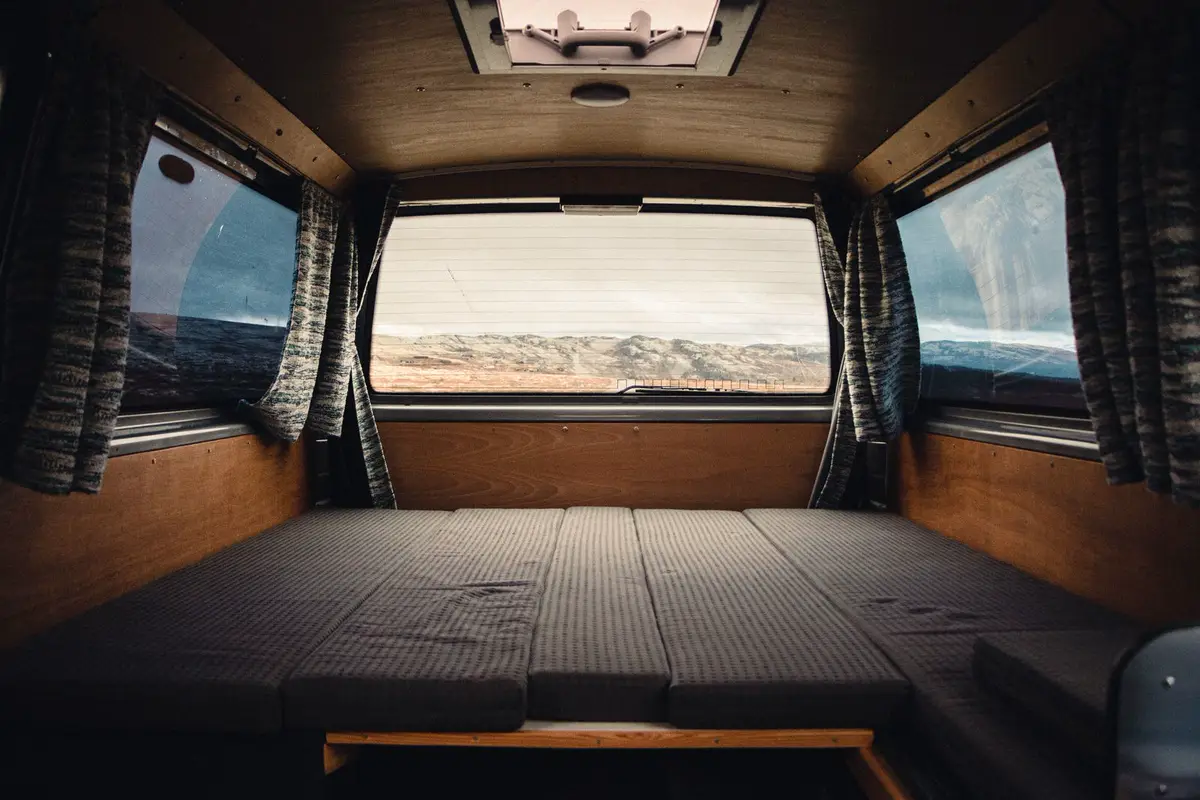
Running a printer on the road
Power, vibration, weather, dry filament, and the safety bits that matter in a small living space.
November 10, 2026 · Photo: Erik Schereder / Pexels
Power from the labels, not from a guess
Read the watts on the printer and the continuous watts on the inverter. The printer, the fridge, and the lights share that inverter. If the sum is over what the inverter is marked for, something will shut down or the inverter will. A battery's usable energy is on its own spec sheet. Dividing the printer's watts into that figure is only a rough runtime, and only after you have measured the printer instead of repeating a number from a comment.
Shore power or a generator changes the problem. You are then limited by the circuit, not by the house battery. Either way, do not run the heated bed through a skinny extension cord that gets hot. A wider look at choosing a machine for this life is printing on the road.
Securing it, and the weather in the van
Do not print while you drive. Vibration shows up as layers that do not line up, and a printer that can walk off a table is a projectile. Before a travel day, cool it down, take the spool off or strap it, and lash the machine to something that is itself bolted down. A bungy on a slippery counter is not a mount.
Temperature and humidity move around more than they do in a house. A very cold van makes the first layer harder. A closed van in the sun can be too hot to print PLA at all, which is the same heat problem as choosing a filament. Crack a window or wait for a milder hour. If the part is for the outside of the rig, an awning clamp still has to be printed in a plastic that survives after it leaves the printer.
Keep the filament dry
An open spool in a van takes on water. Wet filament pops, strings, and makes weak parts. Put the spool back in a sealed bag or a box with desiccant when you are done. Nylon and some other engineering plastics are fussier than PLA. If a spool was already left out in damp air, drying it in a filament dryer or a low oven setting from the manufacturer's card is the fix. Do not invent a temperature.
Color and brand matter less than dry plastic and the right family of material. The filament guide is the longer version.
Safety in a room you also sleep in
A printer is a hot bed, a hot nozzle, and, for ABS or ASA, fumes you do not want in a small cabin. Vent an enclosed machine to the outside. Do not sleep next to a running print. A smoke alarm that works is not optional. Keep curtains, paper, and loose filament away from the nozzle. Stay nearby for the first layers, which is when a print usually comes unstuck.
The files themselves are other people's models. Start from the directory or the videos, and treat a flagged part as something you should not print for a safety-critical job. A fridge spacer is a fair thing to print on the road. A gas fitting is not.